Thought visualizer
A thought visualizer that draws what you think, while you say it
Think out loud and Tellavibe turns each sentence into a picture, about a second behind your voice. Open it, press the red button and start talking: nothing to install, no account.
Five minutes of the live pen free every day. Works in Chrome, Edge and Safari; any browser can type.
How it works
- You talk. Your browser turns your voice into words as you speak.
- A fast AI model draws. Every few words it adds the next part of the picture: a person, a place, an idea joined to the one before it.
- You see it straight away. The picture appears while you are on the next sentence. When the scene changes, the page turns.
It does not read your mind. It draws what you say, so the more you describe, the more there is to see. Typing works too, in any browser.
Five ways to see a thought
A thought can be a picture, a map of ideas or a page of facts. Pick the one that matches how you think; you can switch at any moment without starting again.
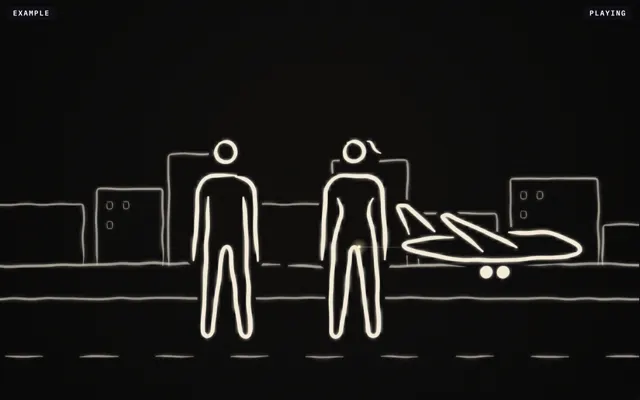 ThoughtA black pen line on white paper that keeps breathing after it is drawn.About a second a picture on the live pen
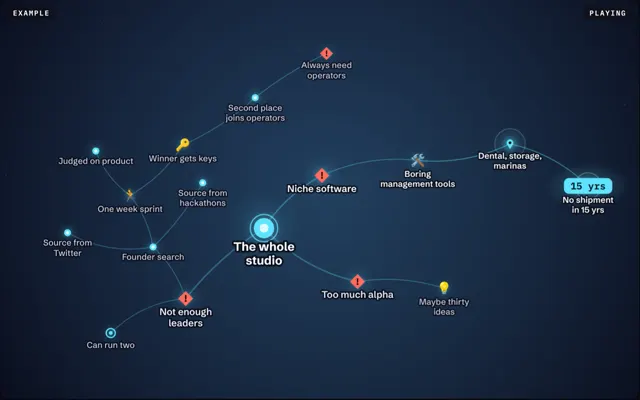 BrainEvery idea from a long conversation on one page.About a second a picture on the live pen
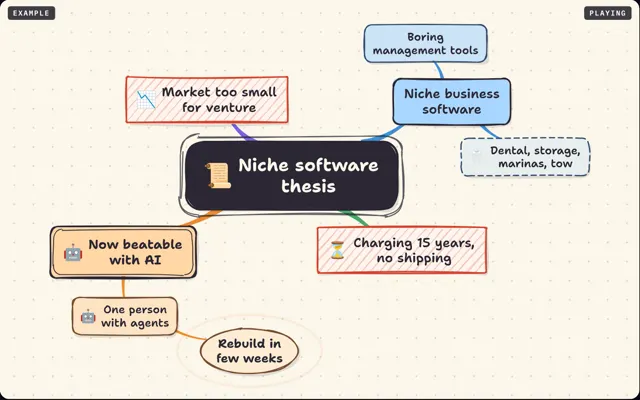 MapEach point you make becomes a node, joined to the idea it belongs to, as you say it.About a second a picture on the live pen
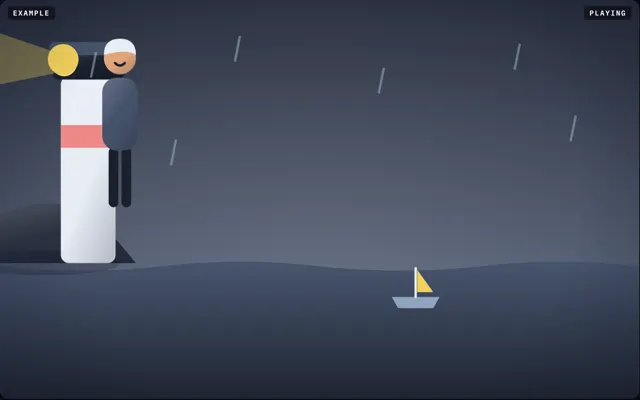 MotionThe most free-form of the live themes.About a second a picture on the live pen
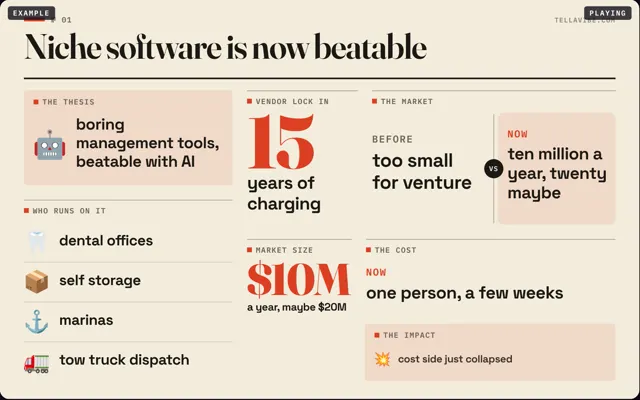 InfographicMention a number, a comparison or a key point and it is set on a poster as you say it: big figures, bars, lists and the line worth quoting.About a second a picture on the live pen
What people use it for
- Thinking a problem through. Talk around it for ten minutes in Brain or Map and every point ends up on one page, joined to the ones it belongs to.
- Explaining an idea. Share your screen in a call: the other person sees what you mean while you say it.
- Remembering. Tell a memory out loud in Thought or Storybook and watch it come back as a picture. Listen back later with your own voice, in time with the drawing.
- Writing and planning. Sketch a scene, a talk or a product by describing it, then keep the picture.
How long you wait
The usual time from your words to the picture, by pen. The live pen keeps up with you; the stronger pens draw richer pictures and take longer. These are measured on the studio's own drawings.
| Theme | Live pen | Quick pen | Fine pen | Ultra pen |
|---|---|---|---|---|
| Thought | 1 s | 2 s | 5 s | 15 s |
| Brain | 1 s | 3 s | 6 s | 15 s |
| Map | 1 s | 3 s | 6 s | 15 s |
| Motion | 1 s | 7 s | 15 s | 1½ min |
| Infographic | 1 s | 3 s | 6 s | 15 s |
What it cannot do
- It draws what you say, not what you leave unsaid. A thought you never put into words stays yours.
- The live pen is a small, fast model, so its pictures are simple. For finer pictures, choose the Fine or Ultra pen and wait a little longer.
- Listening needs Chrome, Edge or Safari, on a computer or a phone. In other browsers you can type instead.
Questions
Is there a real thought visualizer?
Not one that reads your mind. The closest real thing is to say what you are thinking out loud and have it drawn as you say it, which is what this does: your words become a picture about a second later.
Is it free?
Yes, to start: five minutes of the live pen every day, with no sign-up. The finer pens and the upgrades use credits, and there are plans from $9 a month.
Does it work on a phone?
Yes. Hold the phone upright to see the controls, or turn it sideways and only the picture shows, full screen.
What happens to what I say?
Your browser turns your voice into words (Chrome and Edge use their own speech service to do it). The words are sent to the AI model that draws. Your voice is recorded in your browser so you can listen back, and your stories stay in your browser unless you share one.
Can I keep what it drew?
Every story is kept in your browser under Stories. You can listen back to it with your voice, share a link, or download it as a video in Chrome or Edge on a computer.
Read next
- A mind map that grows while you talkMake a mind map by talking: each idea joins the one it belongs to as you say it, live, in your browser. For brainstorming, planning and long calls. Free to try.
- Live visual notes of a talk, a class or a meetingLive visual notes drawn by AI as people talk: a growing idea map, a poster of the facts, flowcharts of the process. For talks, classes and meetings.
- Speech to image, in real time: talk and watch it drawnSpeech to image in real time: talk and the picture is drawn as you speak, about a second behind your voice, in 13 styles. Free in your browser, no sign-up.