Theme
Diagram: flowcharts and timelines, drawn as you explain
Explain how something works, what happens after what, or who talks to whom, and it is drawn as a flowchart, a timeline or a sequence diagram while you talk.
Five minutes of the live pen free every day. Works in Chrome, Edge and Safari; any browser can type.
What it is
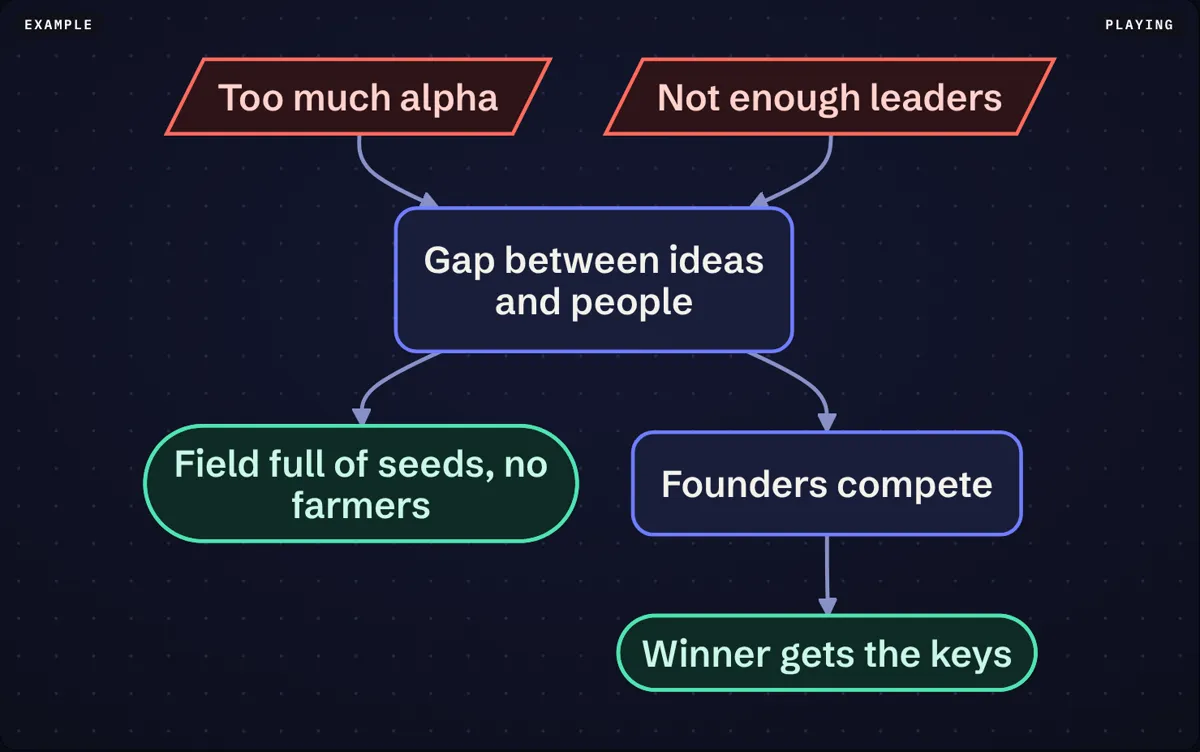
Diagram chooses the kind of chart from what you are saying and adds to it as you go, keeping what is already there. It is drawn with Mermaid, the diagram language used in GitHub and many documentation sites.
Wide or tall frame. One diagram grows for the whole explanation; it does not turn the page.
The example story
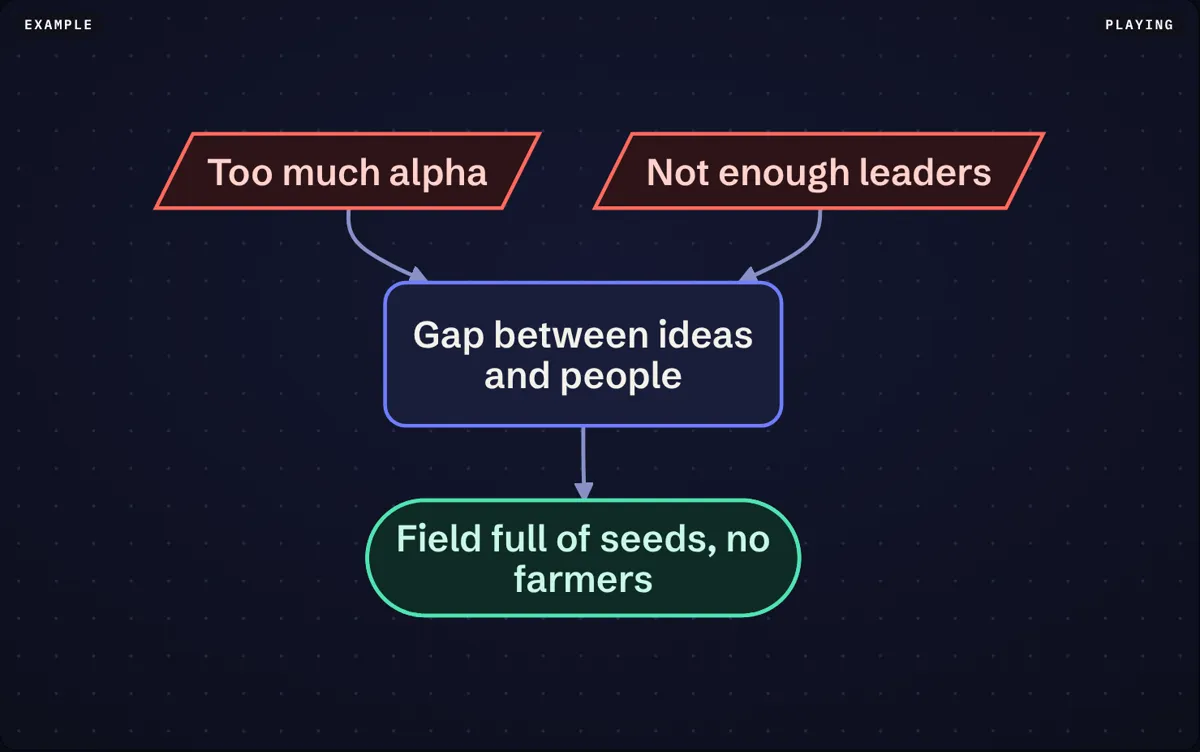
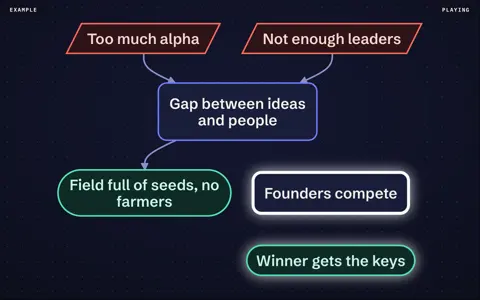
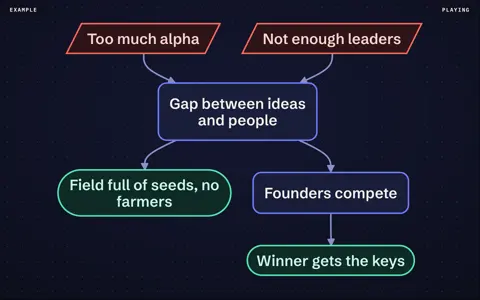
The pictures on this page were drawn by the live pen from these words, as they were said:
“I'm sitting on too much alpha of things I know will work, and not enough leaders to run them.”
“It's like having a field full of seeds and no farmers.”
How the picture built up
Four moments from the same example, in order, as the story was told.
Good for
- Explaining a process to a team
- Planning steps out loud
- Teaching a sequence of events
How long you wait, and what it costs
| Theme | Live pen | Quick pen | Fine pen | Ultra pen |
|---|---|---|---|---|
| Diagram | 1 s | 3 s | 6 s | 15 s |
The live pen is free for five minutes a day, then 15 credits a minute. A picture on the Quick pen is 1 credit, on the Fine pen 5, on the Ultra pen 30. Plans start at $9 a month.
Built on
Mermaid, with the studio’s own code around it.
Read next
- Live visual notes of a talk, a class or a meetingLive visual notes drawn by AI as people talk: a growing idea map, a poster of the facts, flowcharts of the process. For talks, classes and meetings.
- A mind map that grows while you talkMake a mind map by talking: each idea joins the one it belongs to as you say it, live, in your browser. For brainstorming, planning and long calls. Free to try.