How it works
What happens between your voice and the picture, what each choice in the studio does, and what happens to what you say.
Five minutes of the live pen free every day. Works in Chrome, Edge and Safari; any browser can type.
From your voice to the picture
- Listening. Your browser turns your voice into words as you speak (Chrome and Edge send the audio to their own speech service to do this; Safari uses Apple’s). If the browser’s listening misses a stretch of what you said, that stretch is sent to a speech model to be heard again.
- Drawing. Every few words are sent, with the story so far, to an AI model that answers with instructions for the picture: what to add, what to change, or that a new scene has begun.
- Showing. The page draws each instruction as it arrives, so the picture builds up while the model is still answering. A full page is turned rather than piled on, and nothing is allowed to land on top of anything else.
The four pens
The pens at the top of the studio choose which model draws. Each one says how long it usually takes in the theme you are in.
| Pen | What it is | Costs |
|---|---|---|
| Live | A small, very fast model: drawn while you are still talking | Five minutes free a day, then 15 credits a minute |
| Quick | A steadier hand, a few seconds behind you | 1 credit a picture |
| Fine | Better drawing, and a longer wait for it | 5 credits a picture |
| Ultra | The strongest model there is, with the most room: the best picture and the longest wait | 30 credits a picture in most themes |
Redraw as I go, beside the pens, has a stronger model redraw each scene every so often while you talk, and its drawing replaces the sketch.
The themes
Thirteen ways of drawing, each built on open-source work others have published. See them all.
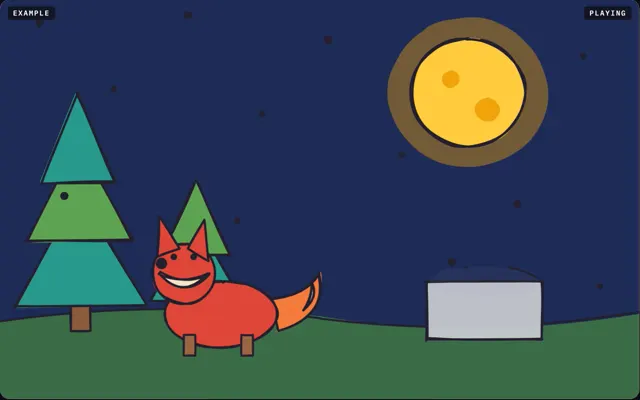 StorybookEach sentence you say adds to a hand-inked scene: people, places, weather, the boat you just mentioned.About a second a picture on the live pen
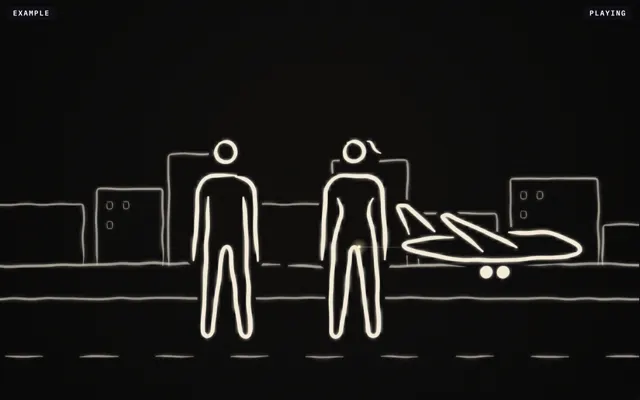 ThoughtA black pen line on white paper that keeps breathing after it is drawn.About a second a picture on the live pen
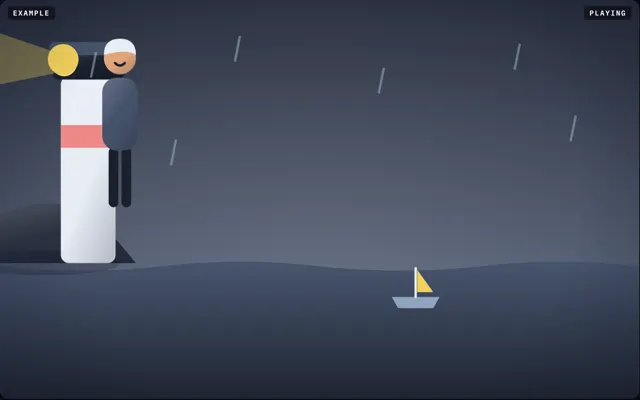 MotionThe most free-form of the live themes.About a second a picture on the live pen
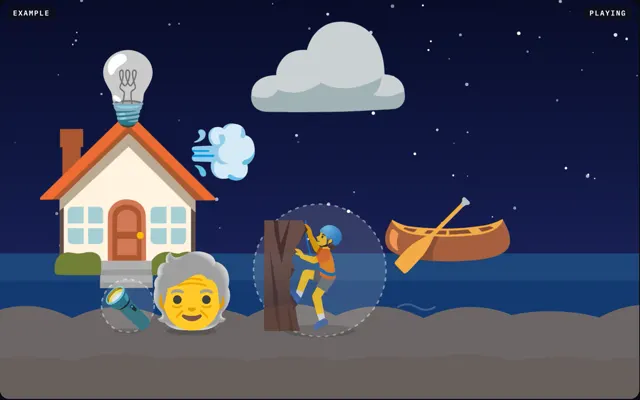 EmojiNothing is drawn from scratch: the model picks the right emoji, places it and moves it.About a second a picture on the live pen
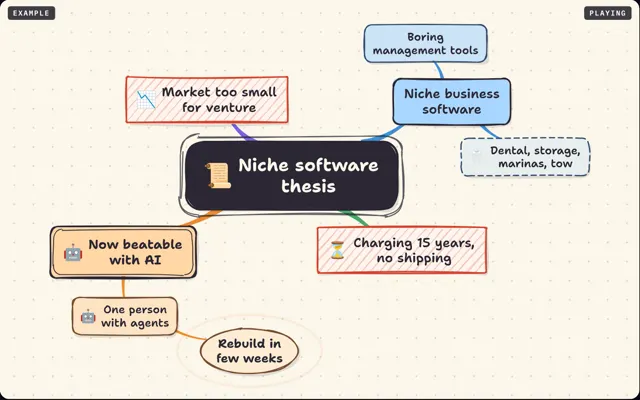 MapEach point you make becomes a node, joined to the idea it belongs to, as you say it.About a second a picture on the live pen
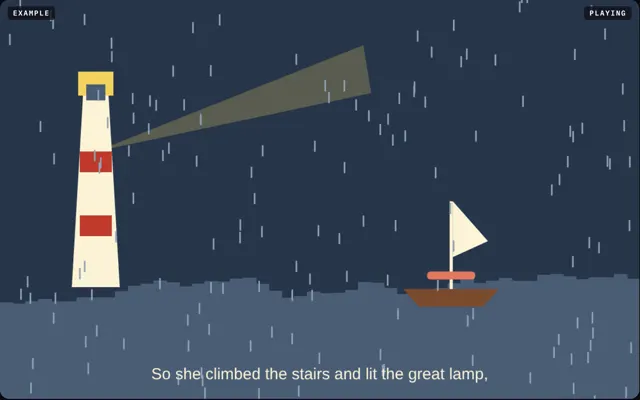 CodeThe model answers each part of your story with code that paints it: loops, noise, layers, light.About a second a picture on the live pen
Words on the picture
The words you say are set over the picture as designed type, in a part of the frame that is empty, each word arriving as you say it. Choose Emotive or Simple, or turn them off. More about the type.
After the story
- Listen back: your voice, with each picture placed where its words were spoken.
- Versions: switch theme and the story carries on in the new one; go back and the old version is still there.
- Upgrade: a sharper redraw, an animated film, a motion video, painted scenes or video clips, each cut to your voice. See the upgrades.
- Download: the story as a video (Chrome or Edge on a computer), your voice, a transcript or subtitles.
- Share: a link that plays the story with your voice.
On a phone
Upright, the studio is one page with controls sized for a thumb. Turned sideways, only the picture shows, with one floating microphone. A tall frame makes phone-shaped pictures and video.
What happens to what you say
- The words that were heard are sent to the AI model that draws.
- Your voice, and your camera if you turn it on, is recorded in your browser for listening back. It leaves your browser only if you share a story with your voice.
- Your stories are kept in your browser under Stories.
- There is no sign-up. A small cookie keeps your free minutes and credits.
Prices
Five minutes of the live pen are free every day, and a new browser gets 20 credits once. Plans start at $9 a month. See the plans.
Visual modes
- Picture Book ModeSpeak a story and watch it illustrated live as a hand-inked picture book across 7 papers, then optionally upgrade into painted scenes. Free daily minutes.
- Live Animation & Film ModeCreate moving SVG animations as you talk in Motion mode, then optionally upgrade your recording into a voice-synced Film, Remotion or Kling video.
- Mind Maps ModeBuild a force-directed mind map while you think out loud. Pick Map for focused outlines, Brain for long meetings, or Diagram for Mermaid flowcharts.
- 3D Island ModeDescribe a town, landscape or game scene out loud and watch a low-poly three.js 3D island fill with houses, boats, trees and weather in real time.
- Emoji Theatre ModeThe fastest visual mode in Tellavibe: stage animated scenes from Noto, Fluent or OpenMoji art roughly half a second behind your voice. Free daily.
- Flowcharts & Timelines ModeExplain a workflow, system architecture or timeline out loud and watch a clean Mermaid flowchart or sequence diagram grow live in your browser.
- Live Infographics ModeSpeak stats, comparisons, steps and key quotes and watch Tellavibe arrange them live into a structured infographic poster for talks and lectures.
- Kinetic Type ModeTurn your spoken phrases into designed kinetic typography live with anime.js — key words emphasized, timed to every word, ready to export as video.
- Generative Code & Particles ModeWatch AI write live sandboxed p5.js generative programs, flocking canvas particles, or free-form SVG artwork from your voice in real time.
Pages about what you can do
- A thought visualizer that draws what you think, while you say itA thought visualizer that draws what you think while you say it out loud: sketches, mind maps and animated scenes, a second behind your voice. Free.
- Speech to image, in real time: talk and watch it drawnSpeech to image in real time: talk and the picture is drawn as you speak, about a second behind your voice, in 13 styles. Free in your browser, no sign-up.
- Voice to animation, live: talk and watch it moveTalk and watch it animated live: moving scenes, particles, a 3D world or kinetic type, drawn from your voice as you speak. Download it as a video. Free.
- Turn a story you told out loud into an animated videoTell a story out loud, then turn it into an animated film, a motion-graphics video or painted scenes, each cut to your own voice. Samples, prices and times.
- A mind map that grows while you talkMake a mind map by talking: each idea joins the one it belongs to as you say it, live, in your browser. For brainstorming, planning and long calls. Free to try.
- Live visual notes of a talk, a class or a meetingLive visual notes drawn by AI as people talk: a growing idea map, a poster of the facts, flowcharts of the process. For talks, classes and meetings.
- Tell a story out loud and watch it illustrated as you goTell a story out loud and watch it illustrated as you go: a picture book, emoji theatre, a 3D world or animation. For bedtime, classrooms and game nights.
- Kinetic typography from your voice, as you speakYour spoken words set as designed, moving type as you say them: key words large, lines broken where you pause, every word on time. Download as video.
Explainers
- How to visualize your thoughtsFive practical ways to see what you are thinking: talk it out, mind maps, concept maps, sketchnotes, and a picture that draws itself as you speak.
- What is graphic recording?Graphic recording turns what people say into a picture of words, drawings and arrows, live. How it differs from graphic facilitation, and the AI version.
- What is kinetic typography?Kinetic typography is text that moves to carry meaning and feeling. Where it came from, the two kinds, where it is used, and how to make it from your voice.