Visual mode · Generative code
Generative code mode: live p5.js sketches and flocking particles
For generative art, stage visuals and creative coding: speak an image or mood and watch Tellavibe paint with live p5.js programs or flocking canvas particles.
Five minutes of the live pen free every day. Works in Chrome, Edge and Safari; any browser can type.
Three generative engines under one roof
Tellavibe includes three open-ended visual engines for expressive and ambient visuals:
- Code (p5.js): writes a fresh generative program for each beat and executes it inside a locked-down browser sandbox with zero network access and loop guards.
- Swarm (Canvas + simplex-noise): thousands of particles continuously flow and morph into the shapes and moods you mention.
- Unleashed (raw SVG): gives the model an open blank canvas with no preset grammar, shining brightest on the Fine and Ultra pens.
 CodeThe model answers each part of your story with code that paints it: loops, noise, layers, light.About a second a picture on the live pen
 SwarmA cloud of particles that drifts on its own and gathers into the shape of whatever you mention: a whale, a heart, a city.About a second a picture on the live pen
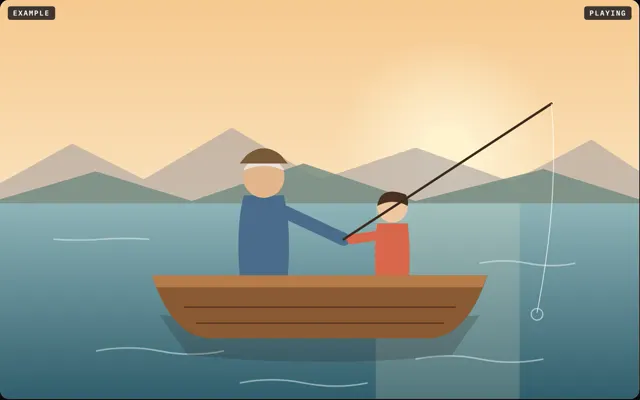 UnleashedThe other themes give the model a way of drawing.About 2 seconds a picture on the live pen
Security & performance notes
Every Code sketch executes in an isolated sandbox iframe with a strict Content-Security-Policy (connect-src 'none', isolated origin, loop protection). For ambitious hundreds-of-lines p5.js programs, choose the Fine or Ultra pen and expect a longer wait.
Real spoken example
In the studio example for Code, the live pen drew directly from these spoken lines:
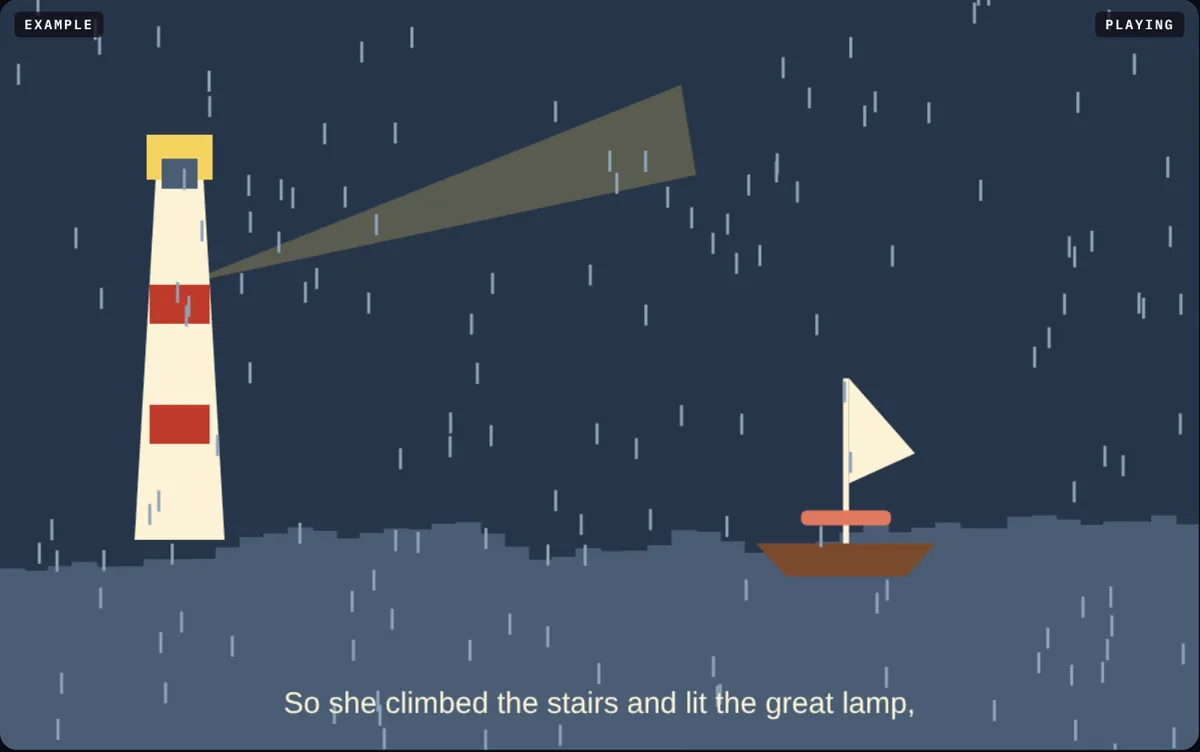
“One stormy night the old lighthouse keeper saw a tiny boat lost far out at sea.”
“So she climbed the stairs and lit the great lamp, and its beam swept across the waves.”
Questions
Is running AI-generated p5.js code in the browser safe?
Yes. Code mode runs inside a dedicated sandboxed iframe with an isolated origin, connect-src none (no network access), and loop guards.
Which generative mode is best for ambient music or talks?
Swarm updates quickly with continuous particle motion and color shifts, making it well suited for projectors and live backdrops.
How long does Code mode take on the Ultra pen?
The live pen writes a short p5.js sketch in a couple of seconds; the Ultra pen writes much larger programs and typically takes around a minute to a minute and a half.
Read next
- Speech to image, in real time: talk and watch it drawnSpeech to image in real time: talk and the picture is drawn as you speak, about a second behind your voice, in 13 styles. Free in your browser, no sign-up.
- Voice to animation, live: talk and watch it moveTalk and watch it animated live: moving scenes, particles, a 3D world or kinetic type, drawn from your voice as you speak. Download it as a video. Free.
- How it worksHow Tellavibe turns speech into pictures live: listening, the four pens, how a page turns, words on the picture, listening back, upgrades, privacy and prices.