Story visualizer
Tell a story out loud and watch it illustrated as you go
Make it up as you go. Every sentence is drawn about a second after you say it, and when the story moves somewhere new the page turns.
Five minutes of the live pen free every day. Works in Chrome, Edge and Safari; any browser can type.
Pick how it is drawn
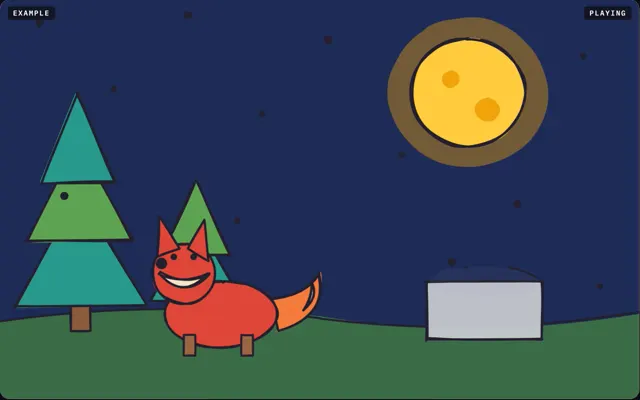 StorybookEach sentence you say adds to a hand-inked scene: people, places, weather, the boat you just mentioned.About a second a picture on the live pen
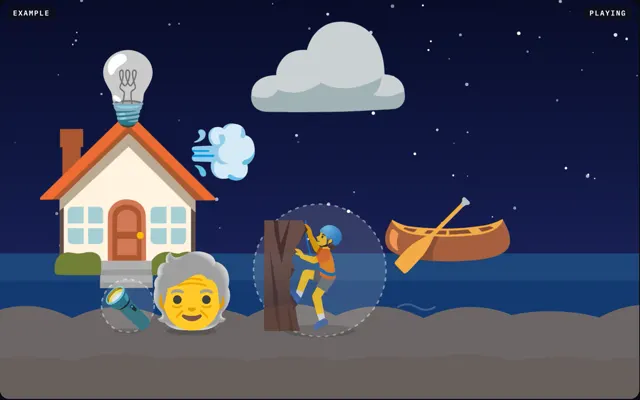 EmojiNothing is drawn from scratch: the model picks the right emoji, places it and moves it.About a second a picture on the live pen
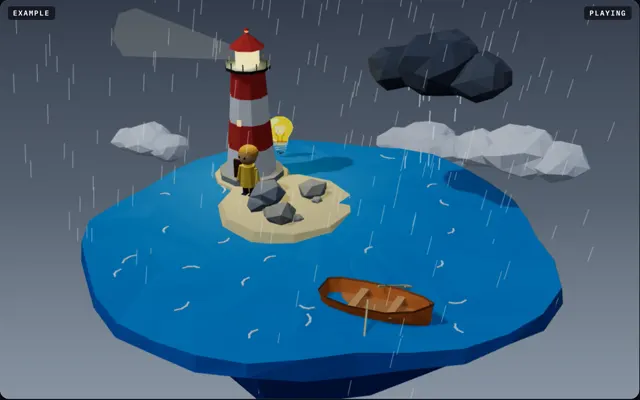 DioramaA low-poly island that fills with what you say: a house by the water, a boat, a storm coming in, built in 3D with light and shadow.About a second a picture on the live pen
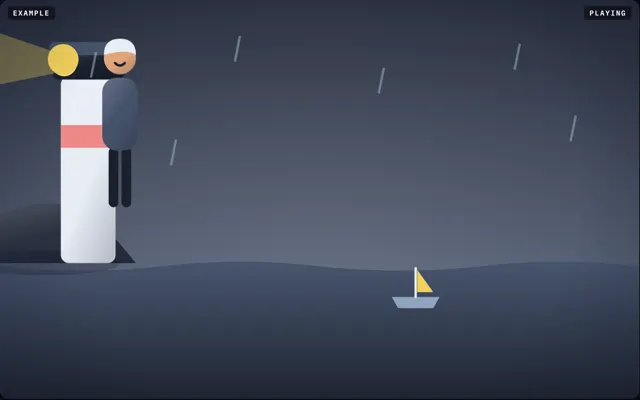 MotionThe most free-form of the live themes.About a second a picture on the live pen
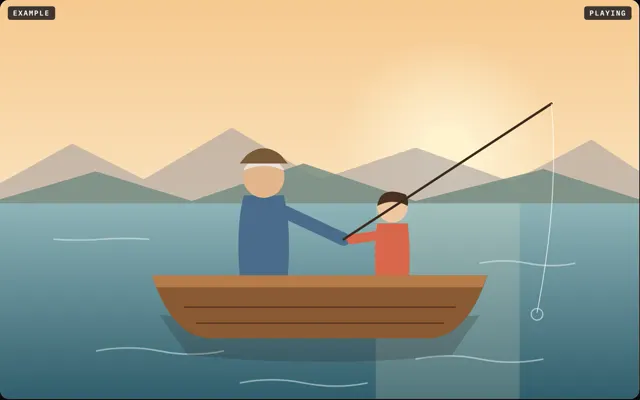 UnleashedThe other themes give the model a way of drawing.About 2 seconds a picture on the live pen
You can change theme in the middle of a story: the new theme carries on from the scene you are in, without starting again.
Good for
- Bedtime. Make up a story together and watch it drawn. Emoji keeps up with the fastest storyteller.
- Classrooms. Children tell a story and see it; teachers tell history or a science process as pictures.
- Game nights. Describe the tavern, the forest, the castle, and everyone sees it. Diorama builds the place in 3D.
- Writers. Talk through a scene to see whether it works.
After the story
- Listen back with your own voice, each picture placed where its words were said.
- Share a link so someone else can watch it.
- Upgrade it into a painted picture book or an animated film. See how.
How long you wait
Questions
Is it suitable for children?
The drawings are made by AI from what is said, so an adult should be there, as with any app. The themes are made for stories: picture books, emoji, toy-like 3D worlds.
Do we need an account?
No. Five minutes of the live pen are free every day without one.
Can we keep our stories?
Yes. They stay in your browser under Stories, and you can share a link or download a video.
Does it work on a tablet or phone?
Yes, in Safari or Chrome. Turn it sideways and only the picture shows.
Read next
- Turn a story you told out loud into an animated videoTell a story out loud, then turn it into an animated film, a motion-graphics video or painted scenes, each cut to your own voice. Samples, prices and times.
- Speech to image, in real time: talk and watch it drawnSpeech to image in real time: talk and the picture is drawn as you speak, about a second behind your voice, in 13 styles. Free in your browser, no sign-up.
- Voice to animation, live: talk and watch it moveTalk and watch it animated live: moving scenes, particles, a 3D world or kinetic type, drawn from your voice as you speak. Download it as a video. Free.