Visual mode · Picture book
Picture book mode: hand-inked scenes drawn as you tell a story
Turn spoken stories into hand-inked picture-book spreads in about a second per sentence, with seven paper looks and automatic page turns when the scene shifts.
Five minutes of the live pen free every day. Works in Chrome, Edge and Safari; any browser can type.
What this mode builds live
Picture Book Mode launches the Storybook engine (built on rough.js). Each spoken sentence places characters, settings, weather and props on the page while the layout engine keeps figures clear of each other and turns the page once a spread fills up.
- Seven paper looks: switch live between Storybook, Whiteboard, Blueprint, Chalkboard, Noir, Cut paper and Neon.
- Switch styles mid-story: jump to Thought for black-and-white pen sketches or Unleashed for free-form full-page SVGs without starting over.
- Illustrated upgrade afterwards: once you finish talking, remake every scene as cohesive painted artwork (Seedream 5 Pro and GPT Image 2) cut to your recorded voice.
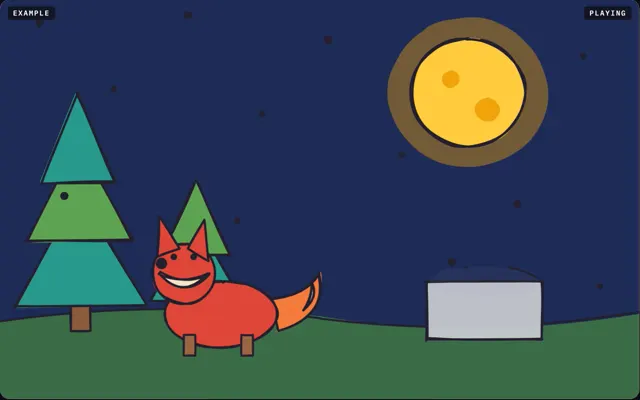 StorybookEach sentence you say adds to a hand-inked scene: people, places, weather, the boat you just mentioned.About a second a picture on the live pen
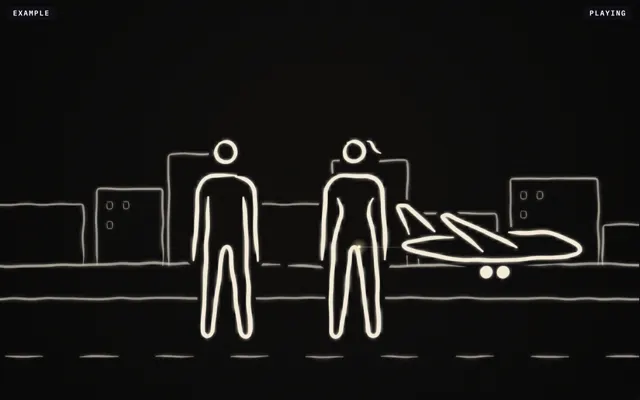 ThoughtA black pen line on white paper that keeps breathing after it is drawn.About a second a picture on the live pen
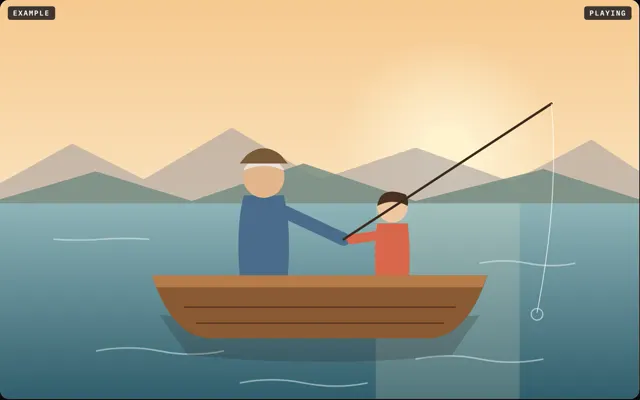 UnleashedThe other themes give the model a way of drawing.About 2 seconds a picture on the live pen
How fast each pen draws
Measured across real studio drawings. The Live pen keeps pace with bedtime or classroom storytelling; Quick, Fine and Ultra trade extra wait time for richer scenes.
Where picture book mode fits best
- Bedtime storytelling: invent characters with kids and watch every turn of the plot inked on screen.
- Classroom narratives: turn history lessons, fables or student stories into visual spreads you can replay with audio.
- Scene blocking for writers: talk through a chapter out loud to check pacing and staging before drafting.
Real spoken example
In the studio example for Storybook, the live pen drew directly from these spoken lines:
“Once upon a time, a little red fox lived at the edge of a pine forest, under a huge yellow moon.”
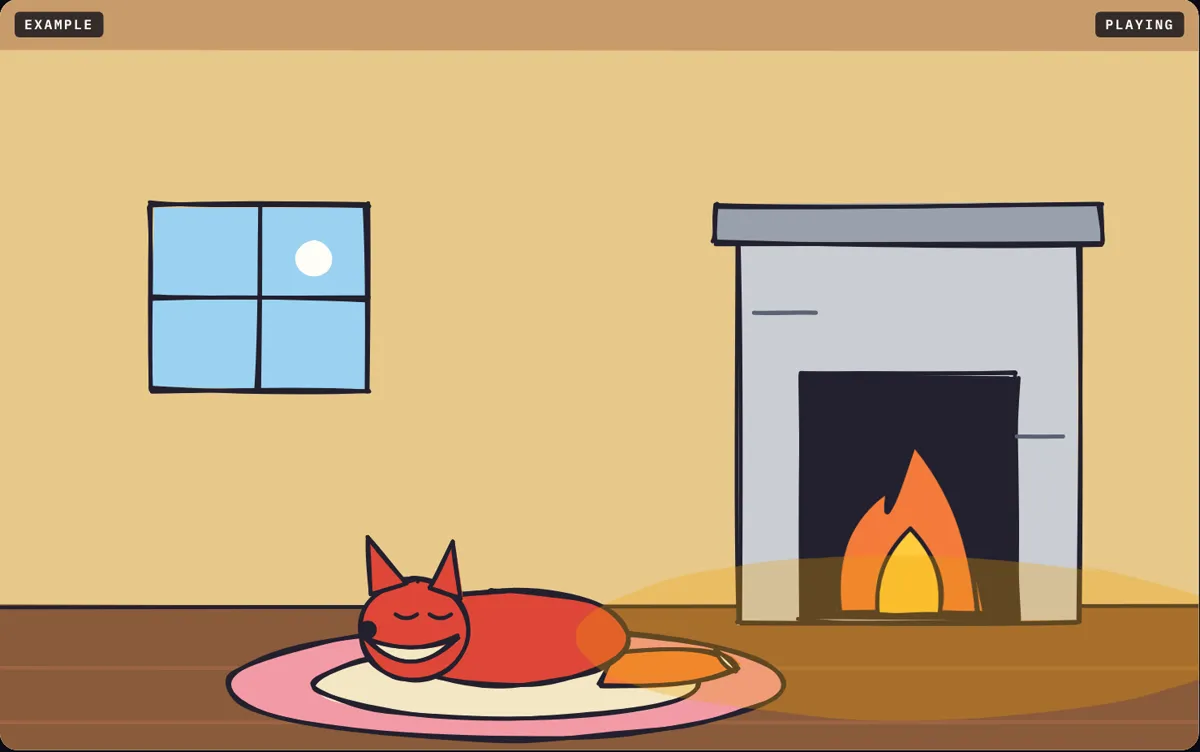
“One night it started to snow, and the fox looked up at the sky.”
Questions
Can I change paper styles during a picture book story?
Yes. Choose Storybook, Whiteboard, Blueprint, Chalkboard, Noir, Cut paper or Neon directly inside the studio picker without losing your scenes.
Can I upgrade a live picture book into painted illustrations?
Yes. Open Upgrade after telling your story to generate the Illustrated version (10 credits a scene) synced to your original voice recording.
How much is free in Picture Book Mode?
Five minutes of the live pen are free every day with no sign-up, plus 20 starter credits in a new browser.
Read next
- Tell a story out loud and watch it illustrated as you goTell a story out loud and watch it illustrated as you go: a picture book, emoji theatre, a 3D world or animation. For bedtime, classrooms and game nights.
- Speech to image, in real time: talk and watch it drawnSpeech to image in real time: talk and the picture is drawn as you speak, about a second behind your voice, in 13 styles. Free in your browser, no sign-up.
- Turn a story you told out loud into an animated videoTell a story out loud, then turn it into an animated film, a motion-graphics video or painted scenes, each cut to your own voice. Samples, prices and times.