Visual modes
Nine real-time visual modes driven by your voice
Pick a mode for what you are making — a hand-inked picture book, animated SVG scenes, live mind maps, a three.js 3D island, sub-second emoji theatre, Mermaid flowcharts, fact posters, kinetic typography or live p5.js generative code. Every mode opens directly in your browser with no sign-up.
Five minutes of the live pen free every day. Works in Chrome, Edge and Safari; any browser can type.
Choose a visual mode
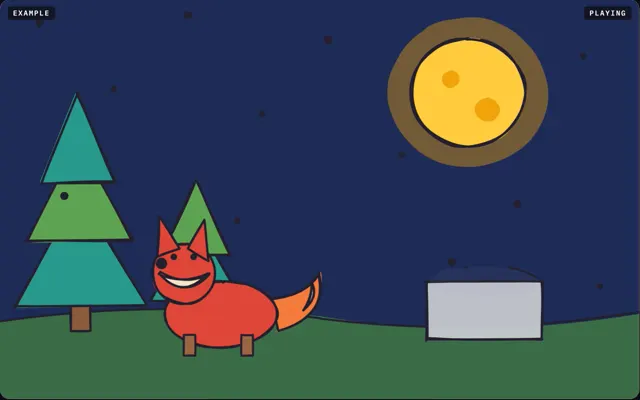 Picture Book ModeTurn spoken stories into hand-inked picture-book spreads in about a second per sentence, with seven paper looks and automatic page turns when the scene shifts.About a second on the live pen
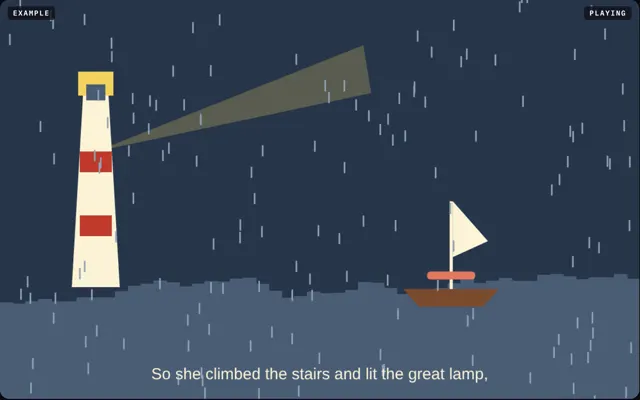
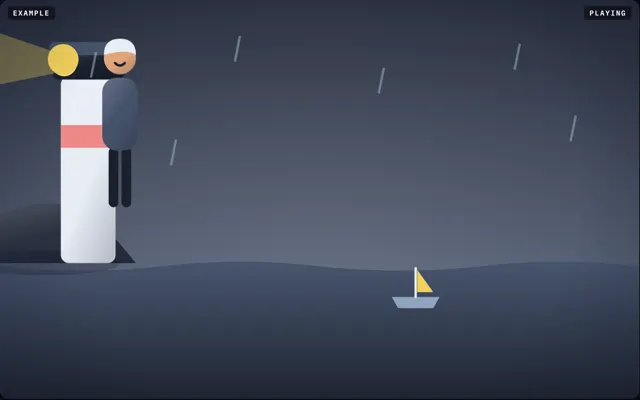 Live Animation & Film ModeSpeak and watch animated vector scenes draw and move in real time — rain, waves, beams of light and gestures — then turn any finished story into a complete film.About a second on the live pen
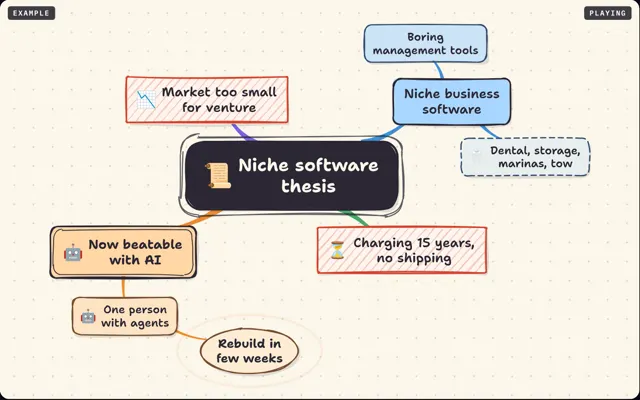 Mind Maps ModeThink out loud without pausing to drag boxes.About a second on the live pen
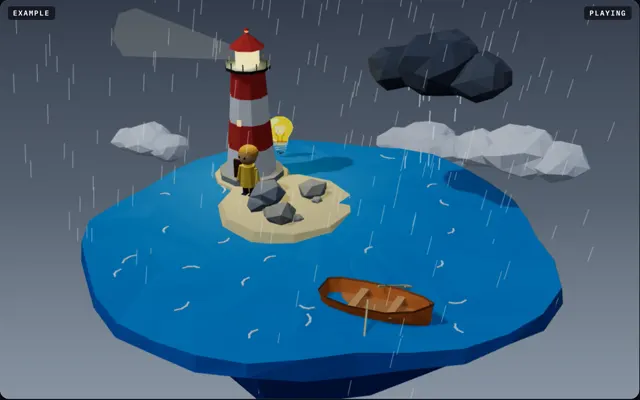 3D Island ModeName places, structures, characters and weather out loud and watch a lit, shadowed 3D diorama populate live inside your browser.About a second on the live pen
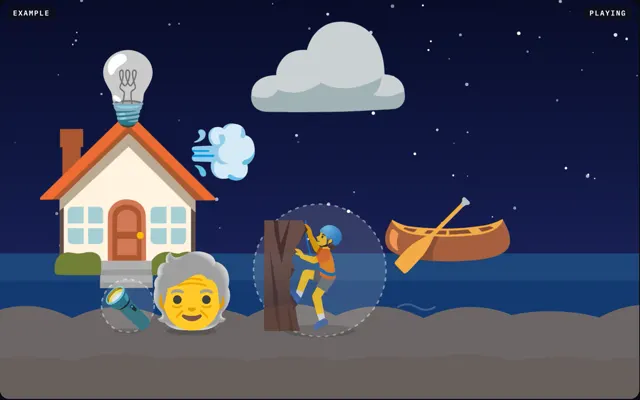 Emoji Theatre ModeWhen speed matters most, Emoji Mode stages characters, props, backdrops and weather from ready-made animated emoji art in about half a second.About a second on the live pen
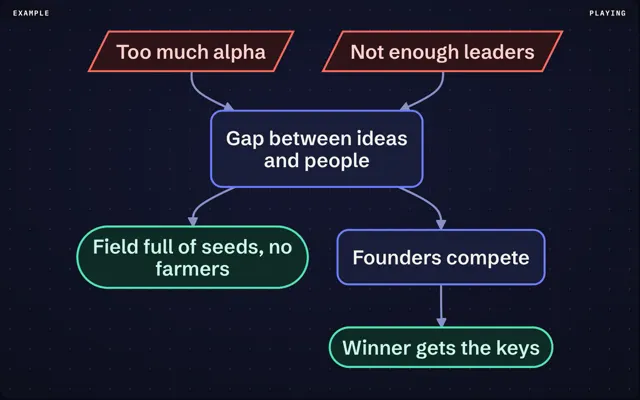 Flowcharts & Timelines ModeWalk through steps, handoffs, decision branches or historical timelines by voice and see a structured Mermaid diagram build itself live.About a second on the live pen
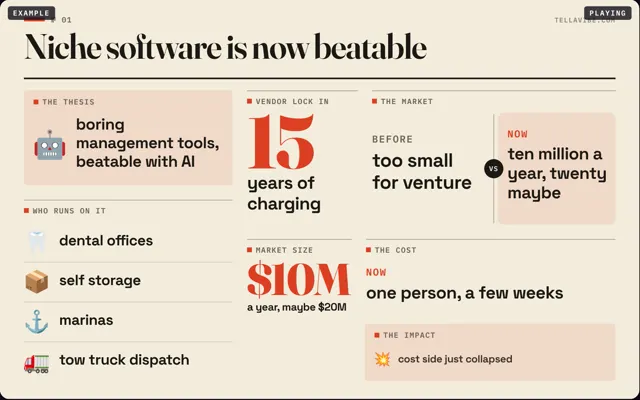 Live Infographics ModePitching figures, summarizing a report or teaching a lecture?About a second on the live pen
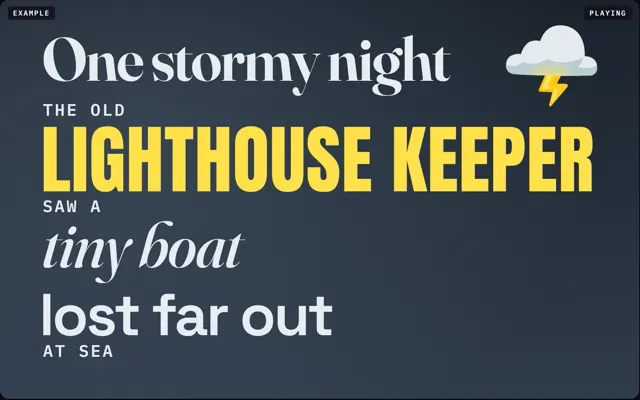 Kinetic Type ModeWhen the words themselves carry the impact, Kinetic Type Mode composes every phrase as animated typography timed to the exact moment you say each word.About a second on the live pen
 Generative Code & Particles ModeFor generative art, stage visuals and creative coding: speak an image or mood and watch Tellavibe paint with live p5.js programs or flocking canvas particles.About a second on the live pen
Compare every mode at a glance
Post-story film & illustration upgrades
After telling a story in any live mode, open Upgrade to remake it with stronger models synced to your original voice recording.
- Sharper redrawEvery scene drawn again by a stronger model, in the theme you told it in.Made with the studio pen
- AnimationThe whole story as one animated film, made by the best model its own way, exactly as if you asked it yourself, and played in time with your voice.Made with no rules: SVG, CSS, JavaScript
- FilmOne whole animated piece, written from scratch for this story and cued to your words.Made with HyperFrames method
- Motion videoA designed motion-graphics video of the whole story: kinetic type, illustration and camera moves, every word landing as you said it.Made with Remotion
- IllustratedEvery scene of your story painted in one style, one cast throughout, with slow camera moves and dissolves in time with your voice.Made with Seedream 5 Pro and GPT Image 2
- CinematicThe same paintings, each turned into a real five-second video clip, played scene by scene with your voice.Made with Kling 3.0 image-to-video
Read next
- A thought visualizer that draws what you think, while you say itA thought visualizer that draws what you think while you say it out loud: sketches, mind maps and animated scenes, a second behind your voice. Free.
- Speech to image, in real time: talk and watch it drawnSpeech to image in real time: talk and the picture is drawn as you speak, about a second behind your voice, in 13 styles. Free in your browser, no sign-up.
- A mind map that grows while you talkMake a mind map by talking: each idea joins the one it belongs to as you say it, live, in your browser. For brainstorming, planning and long calls. Free to try.