Visual mode · Flowcharts
Flowcharts mode: explain a process out loud and watch it diagrammed
Walk through steps, handoffs, decision branches or historical timelines by voice and see a structured Mermaid diagram build itself live.
Five minutes of the live pen free every day. Works in Chrome, Edge and Safari; any browser can type.
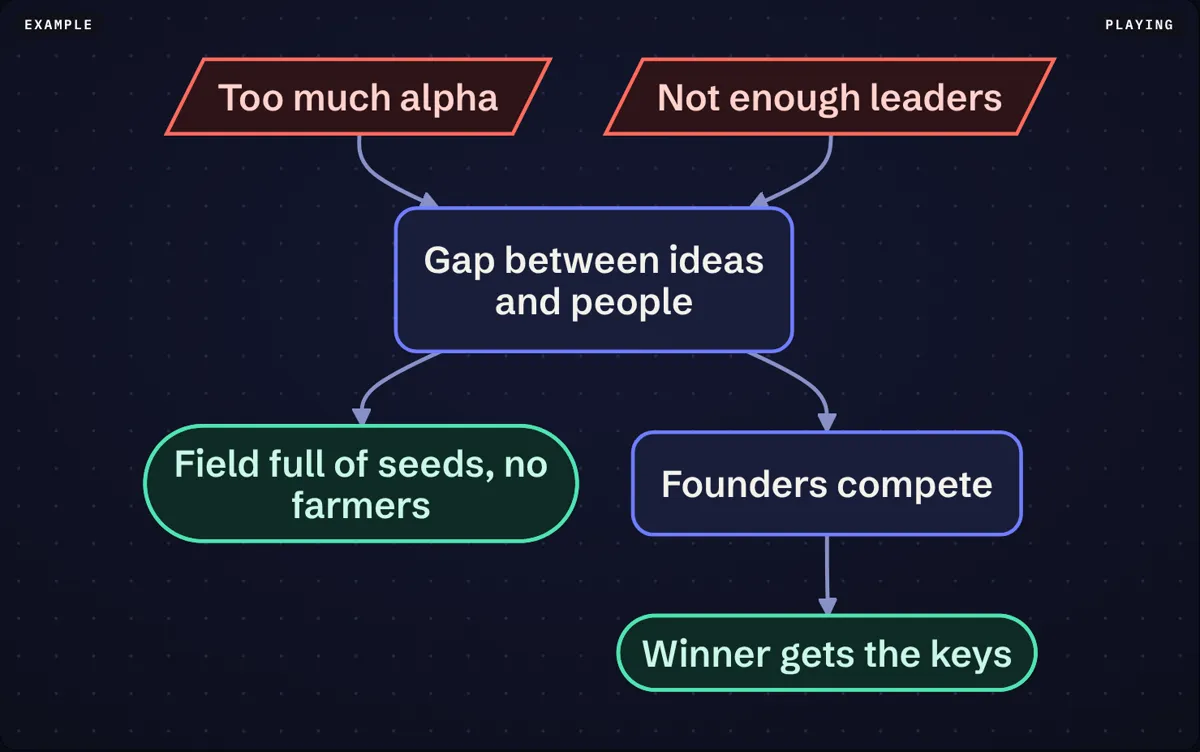
One growing diagram built on Mermaid
Flowcharts Mode launches the Diagram engine built on Mermaid. Instead of clearing the canvas every few sentences, Diagram grows one coherent flowchart, sequence diagram or timeline across your whole explanation.
- Automatic chart choice: picks flowcharts for steps and branches, sequence diagrams for who talks to whom, and timelines for ordered milestones.
- Pairs with Map & Brain: use Flowcharts for ordered processes, or switch to Mind Maps Mode when ideas are non-linear.
- Shareable walkthrough: send a playback link so teammates hear your explanation synchronized with each diagram update.
 DiagramExplain how something works, what happens after what, or who talks to whom, and it is drawn as a flowchart, a timeline or a sequence diagram while you talk.About a second a picture on the live pen
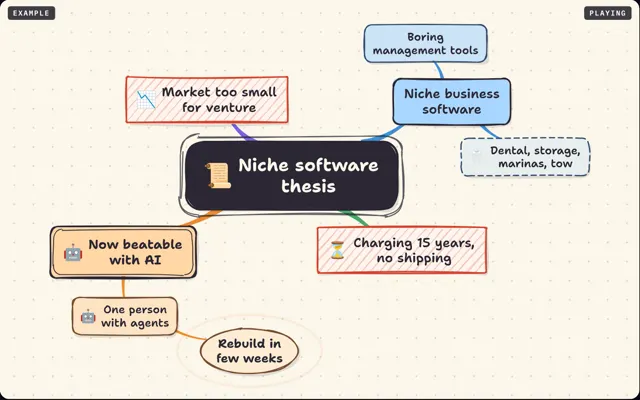 MapEach point you make becomes a node, joined to the idea it belongs to, as you say it.About a second a picture on the live pen
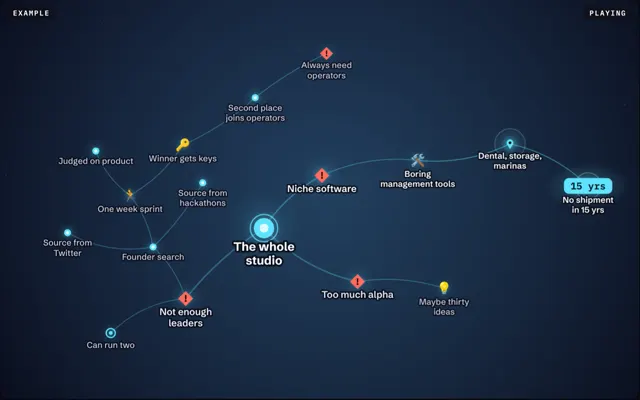 BrainEvery idea from a long conversation on one page.About a second a picture on the live pen
Measured update times
Real spoken example
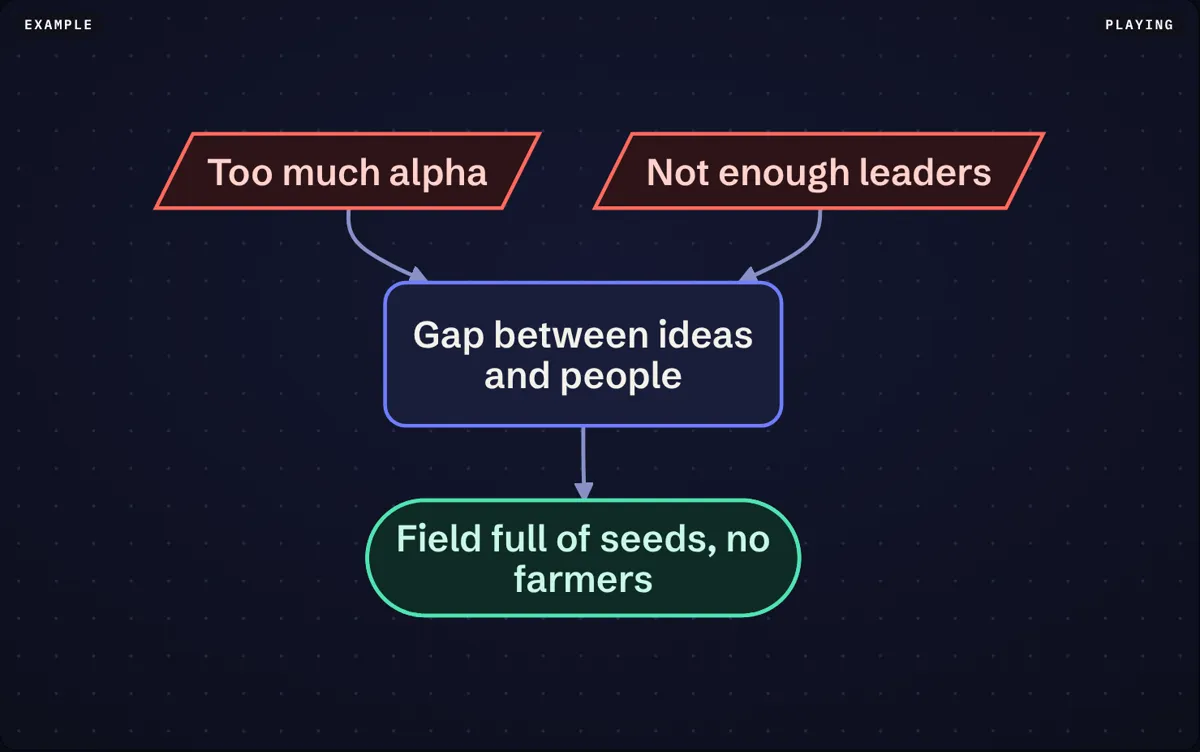
In the studio example for Diagram, the live pen drew directly from these spoken lines:
“I'm sitting on too much alpha of things I know will work, and not enough leaders to run them.”
“It's like having a field full of seeds and no farmers.”
Questions
What diagram types can Flowcharts Mode draw?
It uses Mermaid to render flowcharts, timelines and sequence diagrams based on what you are explaining.
Does the diagram wipe when I add more steps?
No. Diagram keeps and extends one diagram throughout your explanation rather than turning pages.
Can I type steps instead of speaking?
Yes. Typing into the studio input updates the Mermaid diagram immediately in any browser.
Read next
- Live visual notes of a talk, a class or a meetingLive visual notes drawn by AI as people talk: a growing idea map, a poster of the facts, flowcharts of the process. For talks, classes and meetings.
- A mind map that grows while you talkMake a mind map by talking: each idea joins the one it belongs to as you say it, live, in your browser. For brainstorming, planning and long calls. Free to try.
- What is graphic recording?Graphic recording turns what people say into a picture of words, drawings and arrows, live. How it differs from graphic facilitation, and the AI version.